
105°F US Heat Dome Today: 5 Hidden Settings to Change on Your Smart Thermostat to Save Your Electric Bill
Beat the 105°F heat dome and lower your electric bill with these 5 smart thermostat settings, including Eco Mode, humidity control, and away mode.

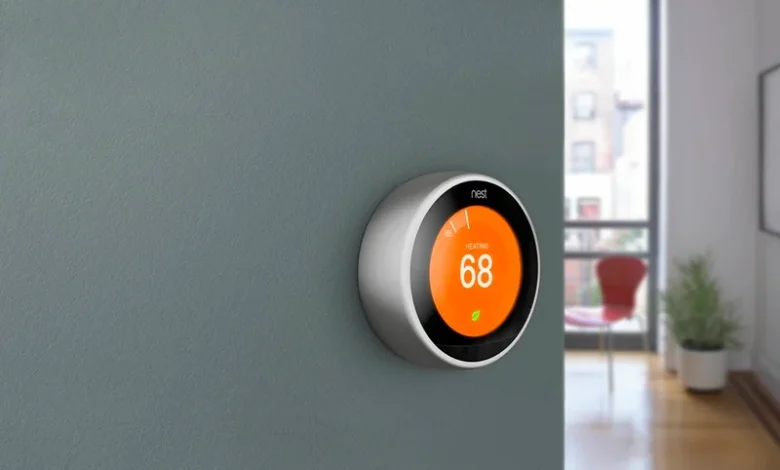
As a powerful heat dome pushes temperatures above 105°F across parts of the United States, millions of households are relying heavily on air conditioning to stay comfortable. While AC systems are essential during extreme heat, they can also send electricity bills soaring.
Fortunately, many smart thermostats include energy-saving features that homeowners rarely use. Adjusting a few settings can help reduce cooling costs without sacrificing comfort.
1. Enable Adaptive or Learning Mode
Most smart thermostats can learn your daily routine and automatically adjust temperatures when you’re asleep, at work, or away from home.
This feature helps:
- Reduce unnecessary cooling
- Lower energy consumption
- Maintain comfort during occupied hours
Over time, adaptive scheduling can lead to noticeable savings.
2. Increase the Temperature by 1–2 Degrees
A small temperature adjustment can make a surprisingly large difference.
Instead of setting the thermostat extremely low, try increasing the setting by one or two degrees. Many people won’t notice the change, but the AC system will run less frequently.
3. Use Eco Mode During Peak Heat Hours
Many smart thermostats include an Eco or Energy Saver mode.
This setting:
- Reduces cooling cycles
- Limits excessive AC operation
- Optimizes energy efficiency
It can be especially useful during periods of high electricity demand.
4. Check Humidity Control Settings
Humidity makes indoor spaces feel hotter than they actually are.
If your thermostat supports humidity management:
- Enable humidity control
- Use dehumidification features when available
Lower humidity can improve comfort without requiring lower temperatures.
5. Set Smart Away Detection
Many systems can detect when no one is home using motion sensors or smartphone location tracking.
Away mode helps:
- Avoid cooling empty rooms
- Reduce wasted energy
- Automatically restore comfort before you return
Read This Next
1. Need A Heatwave Survival Plan?
Explore the essential foods, drinks, and habits that can help you stay safe during extreme temperatures.
2. Living In A Hotter Top Floor?
Discover why upper-floor apartments heat up faster and check practical ways to keep them cooler.
3. Ready For New Solar Rules?
Check the latest solar panel regulations, price changes, and approved options under India’s new mandate.
4. Struggling To Cool Indoor Spaces?
Explore affordable cooling hacks that can make suffocating rooms more comfortable during heatwaves.
5. Can Your EV Earn Money?
Discover how vehicle-to-grid technology lets electric vehicle owners power homes and earn from the grid.
Final Words
During a 105°F heat dome, air conditioning can account for a significant portion of household electricity use. By taking advantage of smart thermostat features such as adaptive scheduling, Eco mode, humidity control, and away detection, homeowners can stay comfortable while reducing energy costs. Small adjustments today could make a noticeable difference on your next electricity bill.
FAQs
Do smart thermostats really save money?
Yes. Properly configured smart thermostats can reduce unnecessary energy usage and lower cooling costs.
What temperature is best for saving energy?
Higher settings generally reduce electricity consumption while still maintaining comfort.
What is Eco Mode?
Eco Mode automatically adjusts cooling to improve energy efficiency.
Does humidity affect indoor comfort?
Yes. High humidity can make rooms feel warmer than the actual temperature.
Is Away Mode useful?
Yes. It prevents energy waste by reducing cooling when the house is unoccupied.