
Monsoon Moisture Ruining Your Laptop? How to Safely Dry Damp Electronics (Without Using Rice)

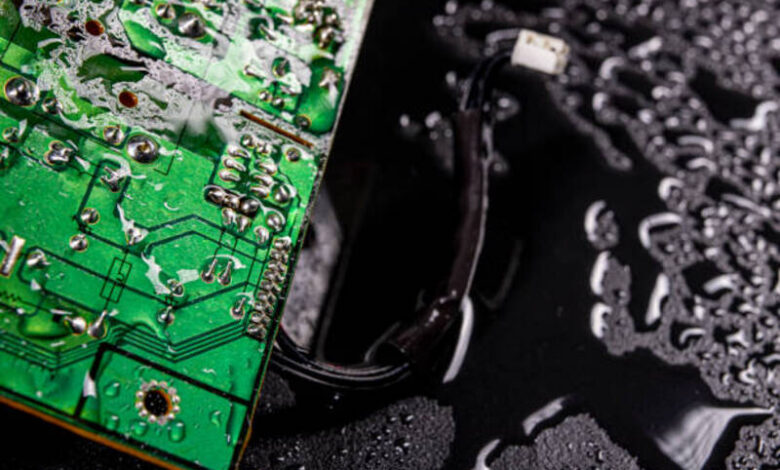
The monsoon season brings welcome relief from the summer heat, but it also increases the risk of moisture damage to laptops, smartphones, tablets, and other electronic devices. High humidity, accidental spills, or rain exposure can allow moisture to seep into sensitive components, causing corrosion or short circuits if not handled properly.
If your laptop or other gadget becomes damp, acting quickly can help prevent permanent damage.
1. Turn Off the Device Immediately
If your laptop is still running, shut it down as soon as possible. Disconnect the charger and remove any connected accessories such as USB drives, external hard disks, or memory cards.
2. Dry the Exterior
Use a clean, lint-free microfiber cloth to gently wipe away visible moisture. If your laptop has a removable battery, take it out if the manufacturer recommends doing so.
3. Keep It in a Dry, Ventilated Area
Place the device in a cool, well-ventilated room. Open the laptop lid and allow air to circulate naturally. A fan can help improve airflow, but avoid exposing the device to excessive heat.
4. Use Silica Gel Instead of Rice
Contrary to popular belief, rice is not the best way to remove moisture from electronics. Silica gel packets, often found in new shoe boxes or electronics packaging, absorb moisture more effectively and leave no dust behind.
5. Wait Before Turning It On
Allow the device to dry completely for at least 24 to 48 hours before attempting to power it on. If you suspect significant water exposure, have it inspected by a qualified technician before use.
Common Mistakes to Avoid
- Don’t use a hair dryer or heat gun.
- Don’t place the laptop in direct sunlight.
- Don’t plug it into a charger while it’s still damp.
- Don’t shake the device aggressively.
Conclusion
Moisture can seriously damage electronic devices if they are powered on too soon. Turning the device off immediately, drying it carefully, using silica gel instead of rice, and allowing sufficient drying time can significantly improve the chances of recovery. When in doubt, professional servicing is the safest option.
FAQs
Does rice really fix wet electronics?
Rice may absorb some moisture, but silica gel is generally more effective and is recommended over rice.
How long should I let a damp laptop dry?
Wait at least 24–48 hours before turning it on.
Can I use a hair dryer?
No. High heat can damage delicate internal components.
Should I charge a damp laptop?
No. Charging while moisture is present can cause a short circuit.
When should I visit a repair center?
If the device was heavily exposed to water or does not work normally after drying, seek professional repair immediately.