
How to Fix a Wet Phone Instantly: Fast Emergency Steps to Save Your Device From Monsoon Water Damage

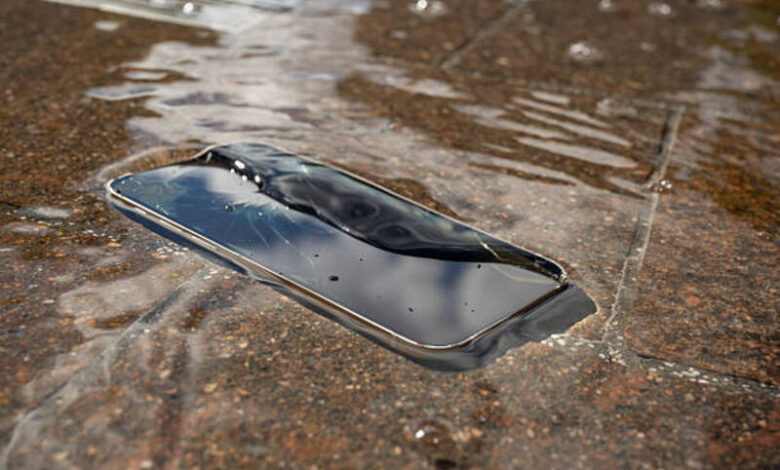
Monsoon showers can arrive unexpectedly, and a few seconds of exposure to water can put your smartphone at risk. Acting quickly can significantly improve the chances of preventing permanent damage.
Step 1: Turn Off the Phone Immediately
If the device is still on, power it off as soon as possible. Electricity and moisture can create short circuits that damage internal components.
Step 2: Remove Accessories
Take off the phone case and remove any detachable accessories, including SIM cards and memory cards if possible.
Step 3: Dry the Exterior
Use a clean, dry cloth to wipe away visible water. Pay special attention to charging ports, speakers, and buttons.
Step 4: Avoid Common Mistakes
Do not:
- Use a hair dryer
- Place the phone in direct sunlight
- Charge the device immediately
- Shake the phone aggressively
These actions can worsen internal damage.
Step 5: Let It Dry Naturally
Place the phone in a dry, well-ventilated area. Silica gel packets can help absorb moisture more effectively than traditional rice methods.
Conclusion
Quick action is critical when a phone gets wet. Turning it off, drying it carefully, and allowing moisture to evaporate naturally can greatly improve the chances of recovery. If the device shows signs of malfunction after drying, seek professional repair assistance.
FAQs
Should I charge a wet phone?
No. Charging can cause serious electrical damage.
Does rice fix water-damaged phones?
Rice may absorb some moisture, but silica gel is generally more effective.
How long should I wait before turning it on?
Ideally 24–48 hours, depending on the amount of water exposure.